Garage remote battery before you reprogram
Garage remote
Test the coin cell and the wall button before you clear remotes or mash the learn button on the opener motor.
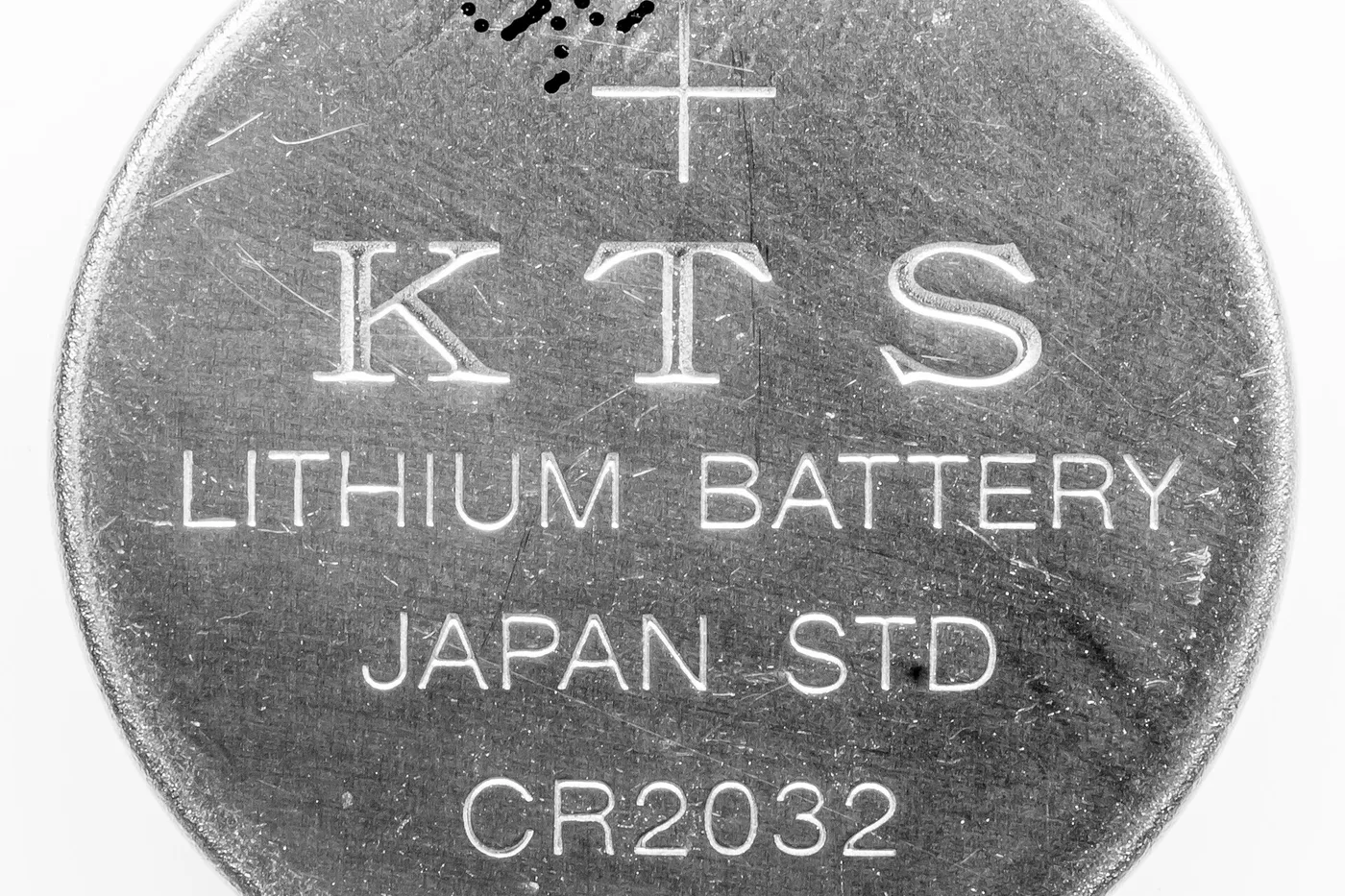
A garage remote that suddenly needs two presses, only works in the driveway, or dies overnight is usually a weak coin cell — not a full reprogram. Work the cheap checks before you erase other remotes from the opener.
Quick checks
- Wall button. If the wired wall control still opens the door, the motor and safety sensors are probably fine. Focus on the handheld remote.
- Battery. Open the remote case (often a small screw or clip). Match the printed size — common cells include CR2032, CR2025, and A23. Note polarity before you lift the old cell.
- Second remote. If another remote still works from the street, the opener’s radio is hearing something; your weak remote is the likely culprit.
After a fresh cell, stand farther back and try one press. Some remotes need a minute to wake up.
When programming is actually next
Only move to the opener’s learn button after a confirmed fresh battery and a remote that still fails:
- You replaced the remote with a new compatible unit.
- You cleared remotes on purpose and need to add them back.
- The owner’s manual for your opener model describes a short learn window (often a colored button on the motor head).
Follow the maker’s sequence for your opener brand. Do not bypass photo-eye safety sensors or prop them to “make it close.” If the door reverses at the floor, fix the sensors or travel limits — that is not a remote battery job.
Honest stop
If a new battery and a careful learn cycle still do nothing, the remote board may be worn, or the opener needs a matching replacement remote. A locksmith or door technician can confirm compatibility; a random “universal” remote only helps when the listing explicitly supports your opener family.
More help
- Same niche: Garage door remote — calendar a spare remote battery check · Garage door remote — short range? check the opener antenna wire · Check visor-clip garage remote battery door · Clean garage door remote contacts with a new battery · Garage door remote — dual-battery visor polarity check · Find the garage opener learn button first · Garage remote not working but wall button does · Garage door remote — soft grip vs hard clip rattle after visor swap · Garage remote short range after an LED bulb change · Garage door remote vs Homelink — stay in your lane · Garage door remote — keep it off a sunny dashboard · Garage door remote — label which button opens each door · Garage door remote — label the spare with the opener model · Garage door remote — match visor clip depth to fabric thickness · Garage door remote — retest range from mid-driveway after a battery · Garage door remote — pull the battery from a stored spare · Garage door remote — replace dual batteries as a pair · Garage door remote — replace a worn visor-clip spring · Garage door remote — soft silicone visor grip when the clip slips · Garage door remote — test from the end of the driveway after a battery · Garage door remote — wall LED blink means learn mode open · All garage remote guides
- Related fixes elsewhere: Test key fob battery range after a swap · Is it the battery or a dead fob?