Match aftermarket key fob case to the board
Key fob
Before you swap a cracked shell, match the aftermarket key fob case kit to your board and button layout so a fresh key fob battery still seats right.
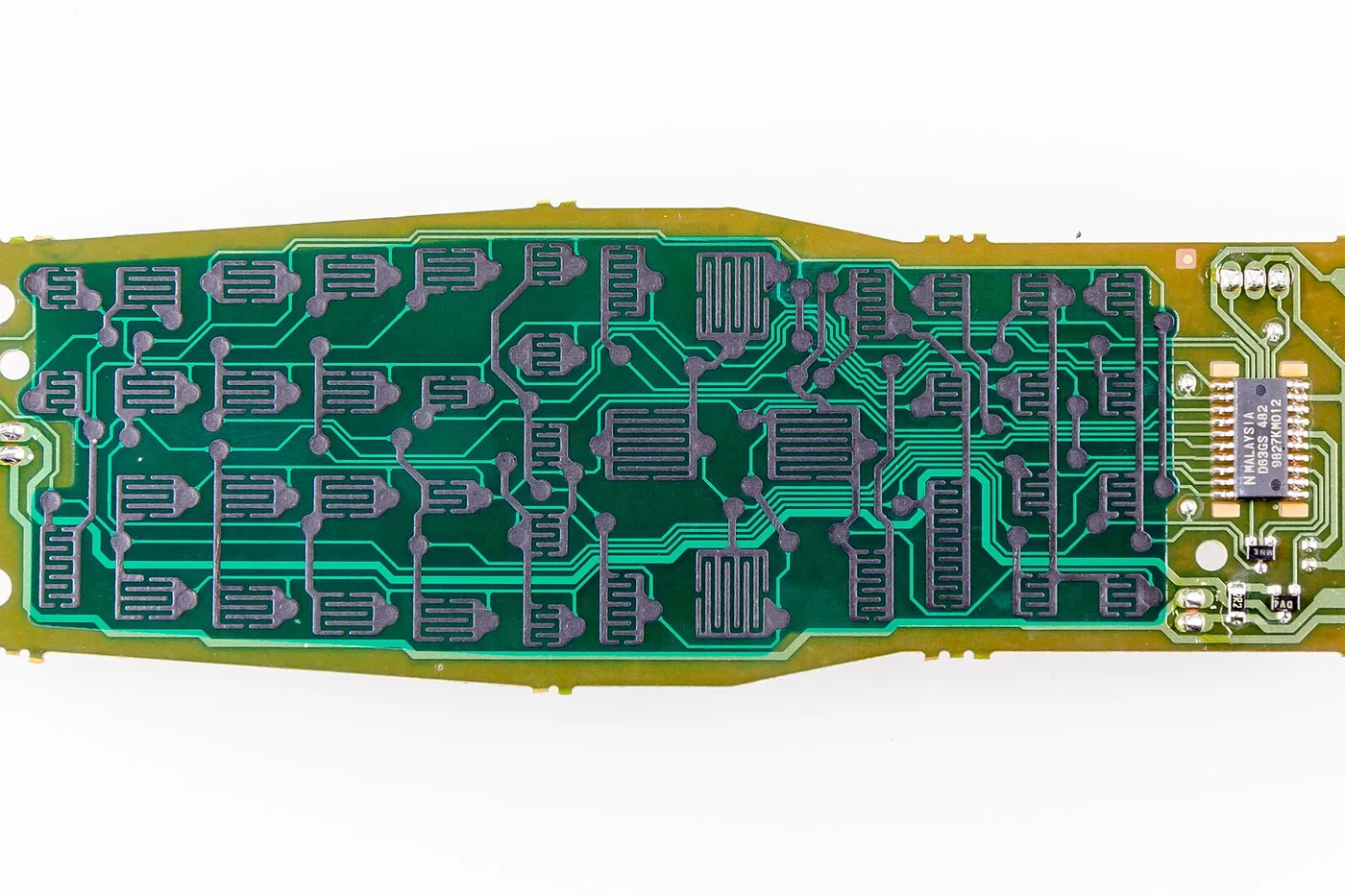
A cracked shell tempts a quick case swap — but the board, pad, and key fob battery tray must match the kit or buttons feel wrong and the coin cell sits loose.
Match the aftermarket key fob case to your board
- Open the old shell carefully. Leave the circuit board and rubber pad stacked as they came out so you can photograph the button layout and battery tray.
- Compare the kit’s shell and pad to your photo: same button count and shapes, same battery tray opening (often a CR2032 clip), and the same board outline.
- Dry-fit the board and pad in the new shell before you discard the old case. The pad should sit flat and every button should press the right switch.
- Install a known-good coin cell only after the board seats without rocking. Then close the shell and test lock / unlock at a few feet.
If the kit’s pad has extra holes or a different tray, return it — do not force a mismatch.
Honest stop
Case kits do not reprogram a dead remote. If a matched shell and fresh cell still leave you with no range, see the battery-vs-dead-fob check before buying another shell.
More help
- Same niche: Clean a sticky key-fob pad without a shell kit · Key fob battery — check coin-cell printed side before close · Coin-cell sizes for car remotes · Key fob battery — warm it up in cold weather before replacing · Key fob battery — dry-wipe the tray before a new CR2032 · Key fob battery — held-fob-to-start when the cell is weak · Key fob battery — hold the new coin cell by its edges · Is it the battery or a dead fob? · Key fob battery — keep the key ring off the fob buttons · Key fob needs a re-sync after a car battery change · Key fob battery — reseat the shell gasket after a CR2032 swap · Locksmith vs dealer for a replacement key fob · Key fob battery ready — metal key then press the fob · Key fob battery first — older-car home-program limits · Key fob battery ready — clean pad adhesive before a new shell · Key fob battery — paint-pen the install date inside the shell after a CR2032 · Key fob battery — open the shell with a plastic pry tool · Key fob battery first — radio reset is not a dead fob · Key fob battery ready — screw shell vs ultrasonic weld kit · Key fob battery — soft clip between the fob and the main ring · Sticky buttons or a cracked key-fob case · Key fob battery — store the spare coin cell away from loose change · Test key fob battery range after a swap · All key fob guides
- Related fixes elsewhere: Garage remote battery before you reprogram · Clean garage door remote contacts with a new battery