Vacuum bag — check for tears after sharp debris
Vacuum bag
Vacuumed up glass bits, pins, or gravel? Check the vacuum bag for small tears. A torn bag leaks dust past the filter and into the motor area.
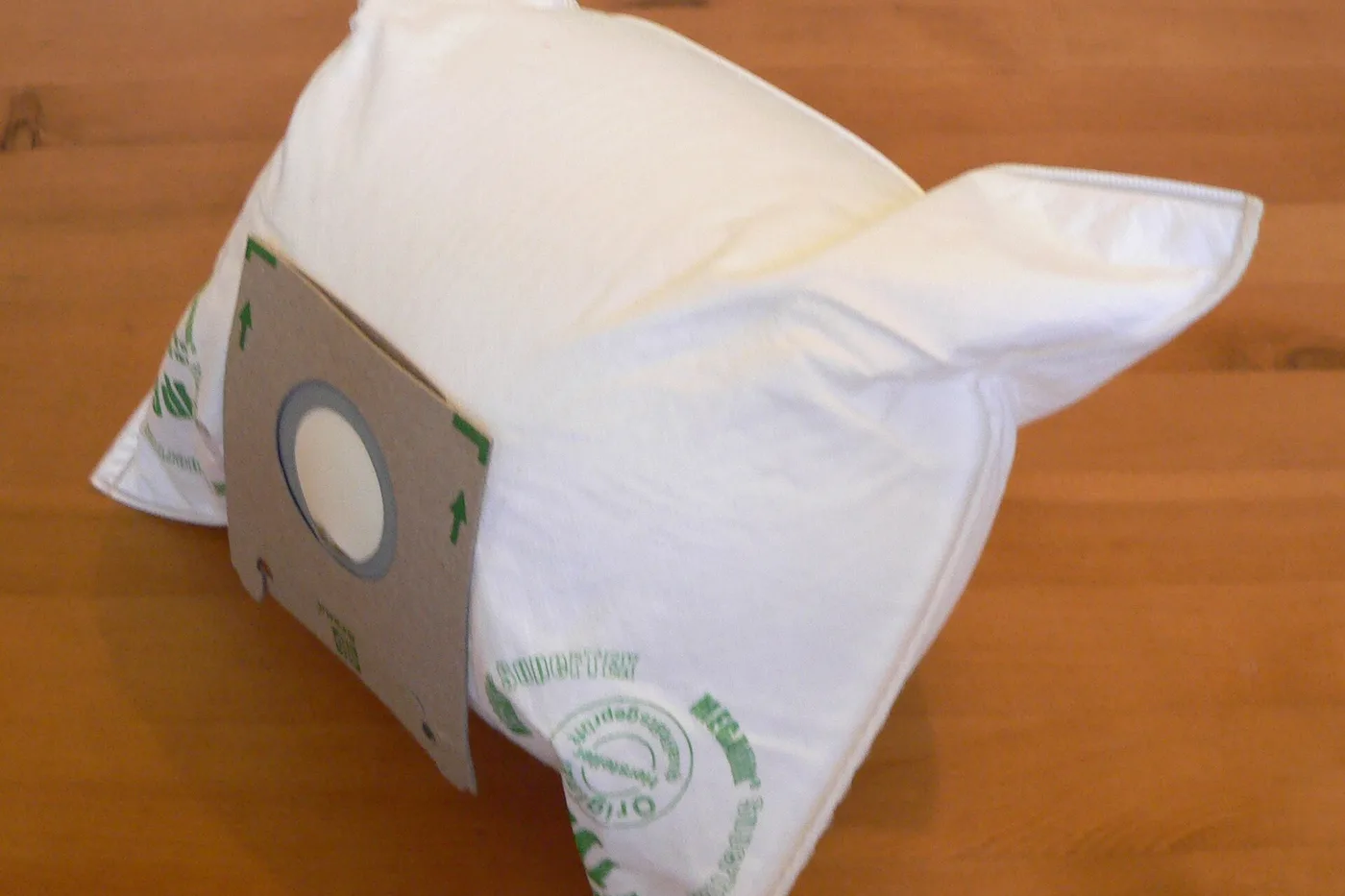
Sharp bits like gravel or small screws can poke a hole in a vacuum bag. Dust then escapes into the bag chamber and clogs filters faster.
Check the vacuum bag for tears
- Unplug the vacuum and open the bag door.
- Look for gray dust outside the bag inside the chamber.
- Lift the bag out gently and check the surface for small holes.
- If you see a tear, seal the collar tab and replace the bag. Wipe the chamber clean.
Pick up sharp pieces by hand or with a dustpan when you can.
More help
- Same niche: Vacuum bags — aftermarket cardboard collar too thick · Vacuum bags — full bellows can hold the bag door ajar · Vacuum bags — change the bag at the fill line, not when bursting · Vacuum bags — check the pre-motor filter when you fit a new bag · Check the vacuum hose for a clog when suction stays weak · Close vacuum bag door until the interlock clicks · Vacuum bags — check exhaust after a new HEPA bag feels weak · Vacuum bags — HEPA collar can be thicker than a standard bag · Vacuum bags — magnetic vs mechanical door interlock feel · Match your vacuum bag or filter type · Vacuum bags — flatten a pinch crease in the bag collar · Seat the vacuum bag collar fully · Vacuum bags — shake a new bag open before you seat the collar · Vacuum bags — close the bag’s seal tab before you toss it · Vacuum bags — soft HEPA bag vs hard-shell door gap feel · Vacuum bags — store spares flat and dry · Vacuum bags — tap dust off the bag collar before a new bag · Vacuum bags — soft HEPA doors need both latches · Check the exhaust filter when vacuum suction stays weak · Vacuum lost suction — check bag and filters · Washable vacuum filter must dry fully · Vacuum bags — write the install date on the bag collar · All vacuum bag guides
- Related fixes elsewhere: Dryer vent cleaning — vacuum the dryer’s back exhaust port too