Printer ink cartridges — alcohol limits on removable printhead contacts
Printer ink
When printer ink cartridges leave streaks, a damp wipe of removable printhead contacts can help — but soaking contacts with alcohol can ruin the head. Know the ink cartridge number limits before you clean.
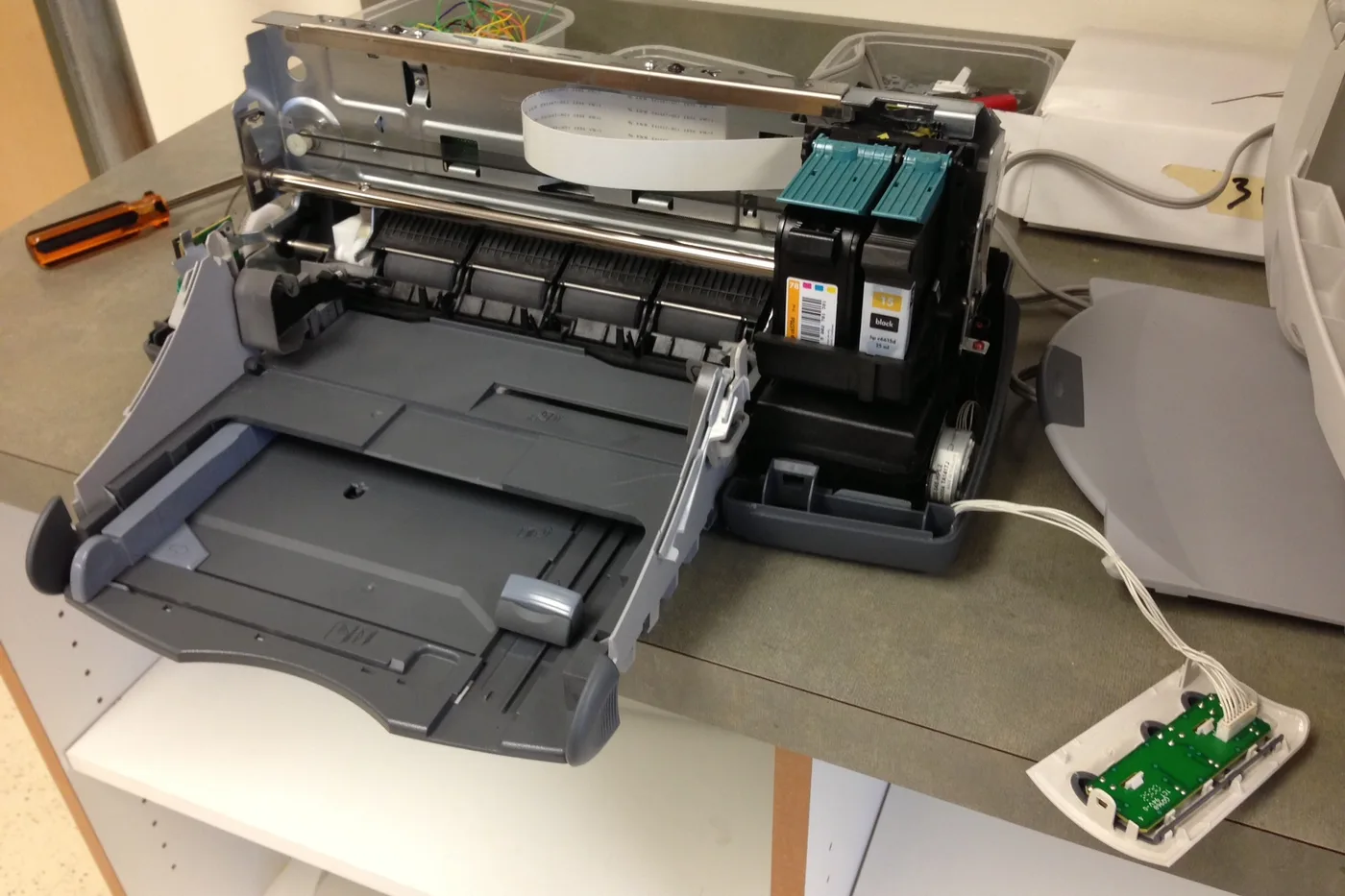
Streaky pages are not always empty printer ink cartridges. If your model uses a removable printhead, a barely damp wipe of the gold contacts can help — soaking them in alcohol can destroy the head while you chase the wrong ink cartridge number fix.
Alcohol limits when cleaning removable printhead contacts
- Confirm the printer uses a removable printhead (separate from the tanks) via the door diagram or manual — many tanks-only models have no user-serviceable head.
- Power off. Remove the head only if the maker shows a release latch. Never yank ribbon cables.
- Wipe gold contacts with a lint-free cloth barely damp with isopropyl — damp, not dripping. Do not soak foam pads or spray liquid into the head.
- Dry fully, reseat until it clicks, run one nozzle check — not a long clean cycle that wastes ink.
Honest stop: if the manual forbids user head removal, stop. Do not use acetone, abrade contacts, or flood the carriage. Persistent streaks after a dry reseat may need a new head or service — not more solvent.
More help
- Same niche: Clean printhead streaks without wasting ink · Printer ink — run a color-bar nozzle check before a clean · Printer ink cartridges — mark color multipacks vs single-color boxes · How to find your exact ink or toner number · Printer ink cartridges — laser streaks are not an inkjet clean · Printer ink — let the printer finish priming before you power off · Mark a FIFO date on printer ink multipacks · Printer ink smudging — match the paper type setting · Printer ink — run a nozzle check before a second clean · Printer ink — photo the empty cartridge before you reorder · Printer ink cartridges — check contacts before another clean · Printer ink — turn the printer off with its own button · Printer says empty after a new cartridge · Printer ink cartridges — print a supplies status page first · Printhead alignment without wasting paper · Printer ink — confirm printhead ribbon latch fully closed · Remove cartridge protective tape before trusting empty · Printer ink — rock a new cartridge gently after you peel the tape · Printer ink — bring a cold cartridge to room temperature before install · Printer ink — reseat printhead ribbon after a wipe · Standard vs XL ink cartridges · Store printer ink cartridges upright and cool · Printer ink — print one page a week so nozzles stay wet · All printer ink guides
- Related fixes elsewhere: Clean printhead streaks without wasting ink · Physical contact checks before printer ink clean