Printer says empty after a new cartridge
Printer ink
When a brand-new ink cartridge still reads empty, reseat it and wipe the chip contacts before you run another clean cycle.
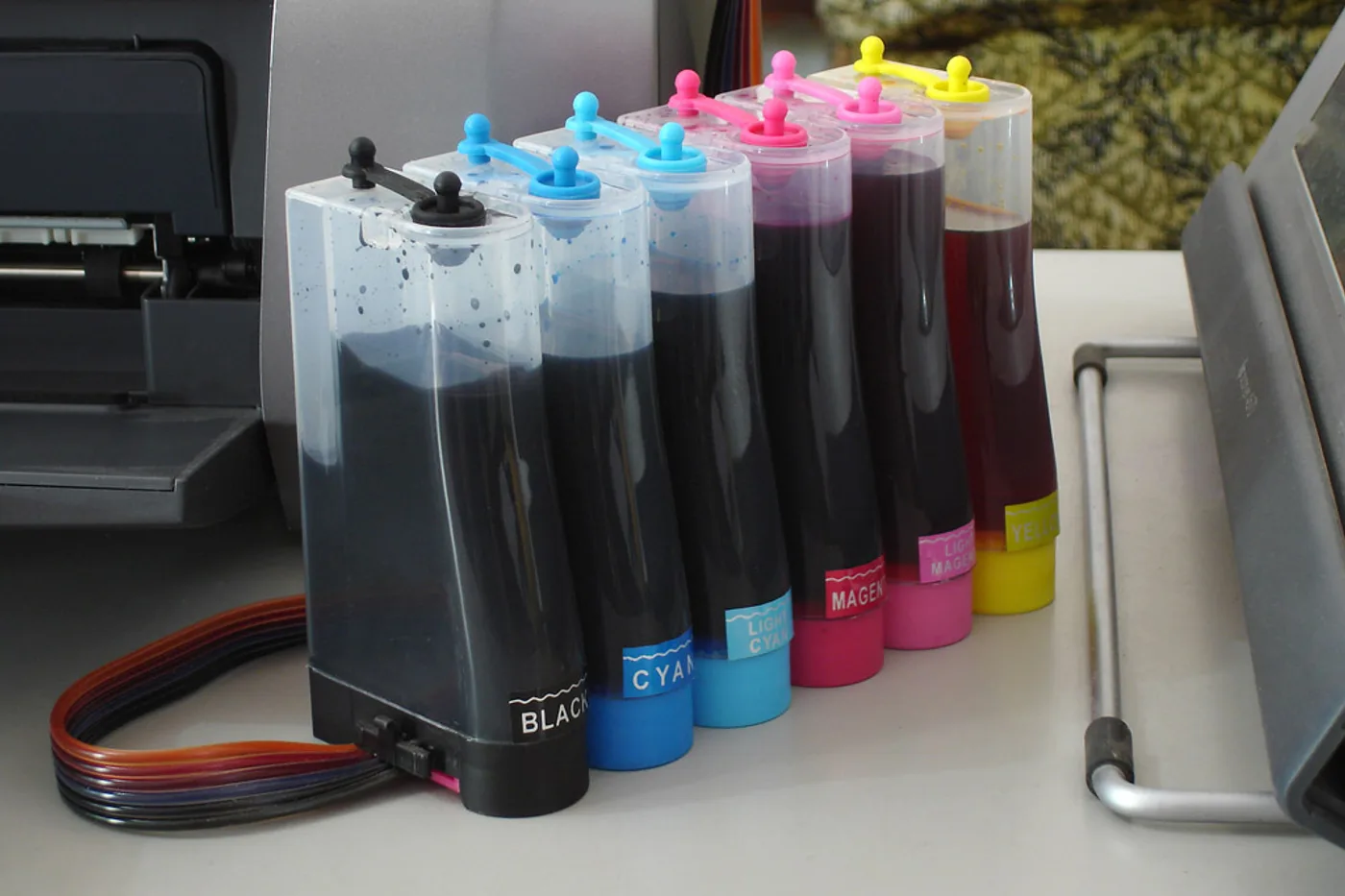
A printer that reports empty or missing on a cartridge you just installed is often failing to read the chip — not out of ink. Reseat before you waste a cleaning cycle.
Reseat and wipe once
- Open the cartridge door. Pull the new cartridge out and push it back until it clicks.
- With power off if the manual says so, wipe the gold contacts on the cartridge and the matching pads in the carriage with a dry lint-free cloth. Do not scrub the nozzles with tissue.
- Close the door fully. Cancel any “replace ink” prompt and print a nozzle check — not a deep clean yet.
Confirm the number on the cartridge matches the door label using How to find your exact ink or toner number. A lookalike XL or wrong-generation tank can read as empty even when plastic fits.
Honest stop
If a matching genuine cartridge still fails after one reseat and a dry contact wipe, stop peeling labels or “chip reset” tricks — those usually void support. Try the maker’s support path or a different sealed cartridge of the same number.
More help
- Same niche: Printer ink cartridges — alcohol limits on removable printhead contacts · Clean printhead streaks without wasting ink · Printer ink — run a color-bar nozzle check before a clean · Printer ink cartridges — mark color multipacks vs single-color boxes · How to find your exact ink or toner number · Printer ink cartridges — laser streaks are not an inkjet clean · Printer ink — let the printer finish priming before you power off · Mark a FIFO date on printer ink multipacks · Printer ink smudging — match the paper type setting · Printer ink — run a nozzle check before a second clean · Printer ink — photo the empty cartridge before you reorder · Printer ink cartridges — check contacts before another clean · Printer ink — turn the printer off with its own button · Printer ink cartridges — print a supplies status page first · Printhead alignment without wasting paper · Printer ink — confirm printhead ribbon latch fully closed · Remove cartridge protective tape before trusting empty · Printer ink — rock a new cartridge gently after you peel the tape · Printer ink — bring a cold cartridge to room temperature before install · Printer ink — reseat printhead ribbon after a wipe · Standard vs XL ink cartridges · Store printer ink cartridges upright and cool · Printer ink — print one page a week so nozzles stay wet · All printer ink guides
- Related fixes elsewhere: Vacuum lost suction — check bag and filters · Match your vacuum bag or filter type