Printer ink — print one page a week so nozzles stay wet
Printer ink
Printer ink tip for inkjets that sit idle: print one small color page a week so the nozzles stay wet and you waste less ink on cleaning cycles.
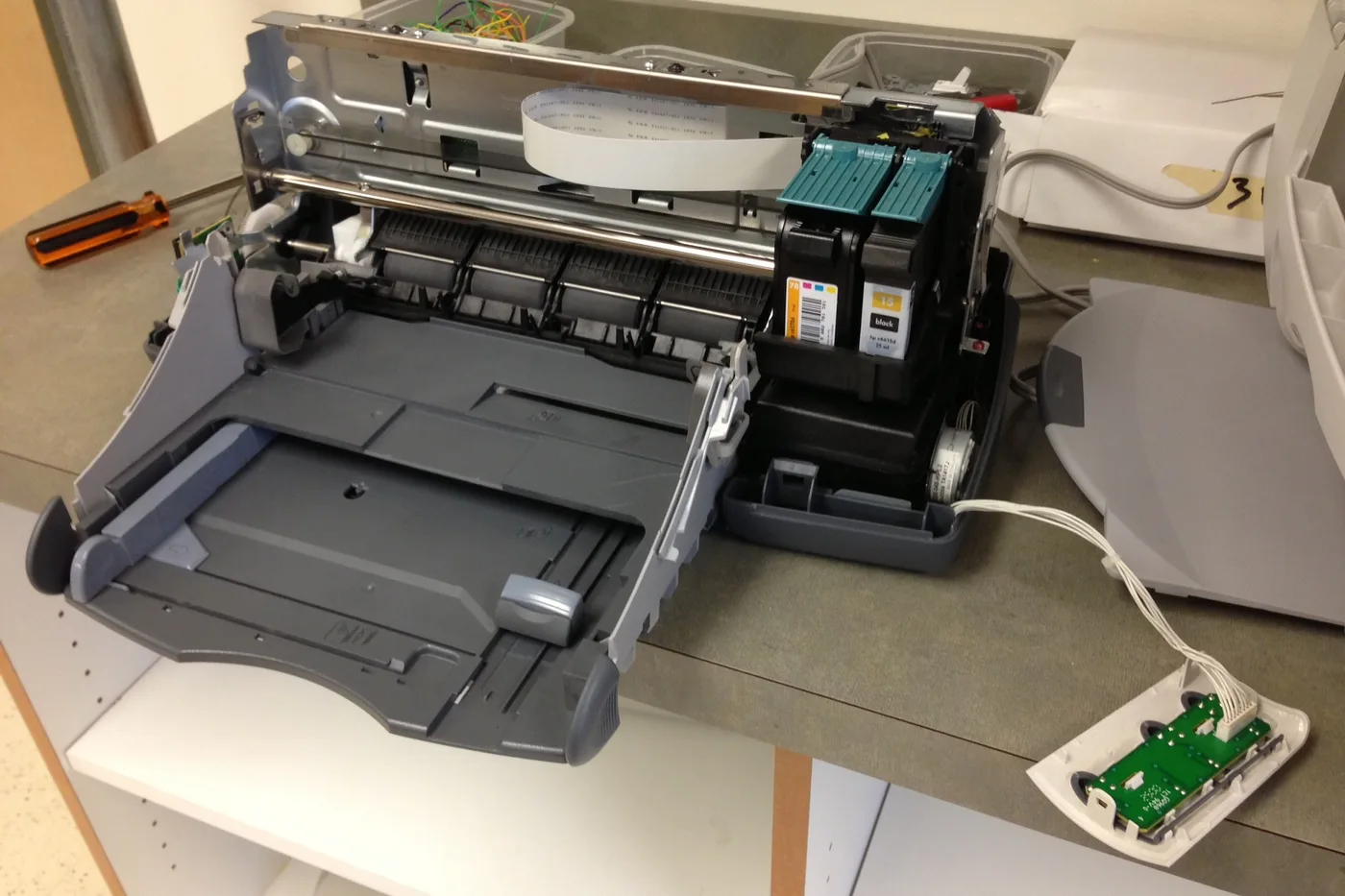
Inkjet printer ink can dry in the nozzles when the printer sits for weeks. A cleaning cycle fixes it, but it burns through more ink than a tiny page would have.
A weekly page keeps printer ink flowing
- Pick one day a week and print a single page that uses every color, like a small photo or a color nozzle check.
- Leave the printer plugged in and turned off with its own button between uses so it can cap the printhead.
- If you will be away for a month, print the page before you go and again when you return.
- Only run a head clean if the weekly page shows gaps or streaks.
Small habit, big savings: one page a week costs a few drops of printer ink and can skip a whole cleaning cycle.
More help
- Same niche: Printer ink cartridges — alcohol limits on removable printhead contacts · Clean printhead streaks without wasting ink · Printer ink — run a color-bar nozzle check before a clean · Printer ink cartridges — mark color multipacks vs single-color boxes · How to find your exact ink or toner number · Printer ink cartridges — laser streaks are not an inkjet clean · Printer ink — let the printer finish priming before you power off · Mark a FIFO date on printer ink multipacks · Printer ink smudging — match the paper type setting · Printer ink — run a nozzle check before a second clean · Printer ink — photo the empty cartridge before you reorder · Printer ink cartridges — check contacts before another clean · Printer ink — turn the printer off with its own button · Printer says empty after a new cartridge · Printer ink cartridges — print a supplies status page first · Printhead alignment without wasting paper · Printer ink — confirm printhead ribbon latch fully closed · Remove cartridge protective tape before trusting empty · Printer ink — rock a new cartridge gently after you peel the tape · Printer ink — bring a cold cartridge to room temperature before install · Printer ink — reseat printhead ribbon after a wipe · Standard vs XL ink cartridges · Store printer ink cartridges upright and cool · All printer ink guides
- Related fixes elsewhere: Test key fob battery range after a swap · Write the month on your refrigerator water filter