Printer ink cartridges — check contacts before another clean
Printer ink
Before another printhead clean wastes printer ink cartridges, reseat supplies and wipe dry contacts. Physical checks often fix streaks without burning ink.
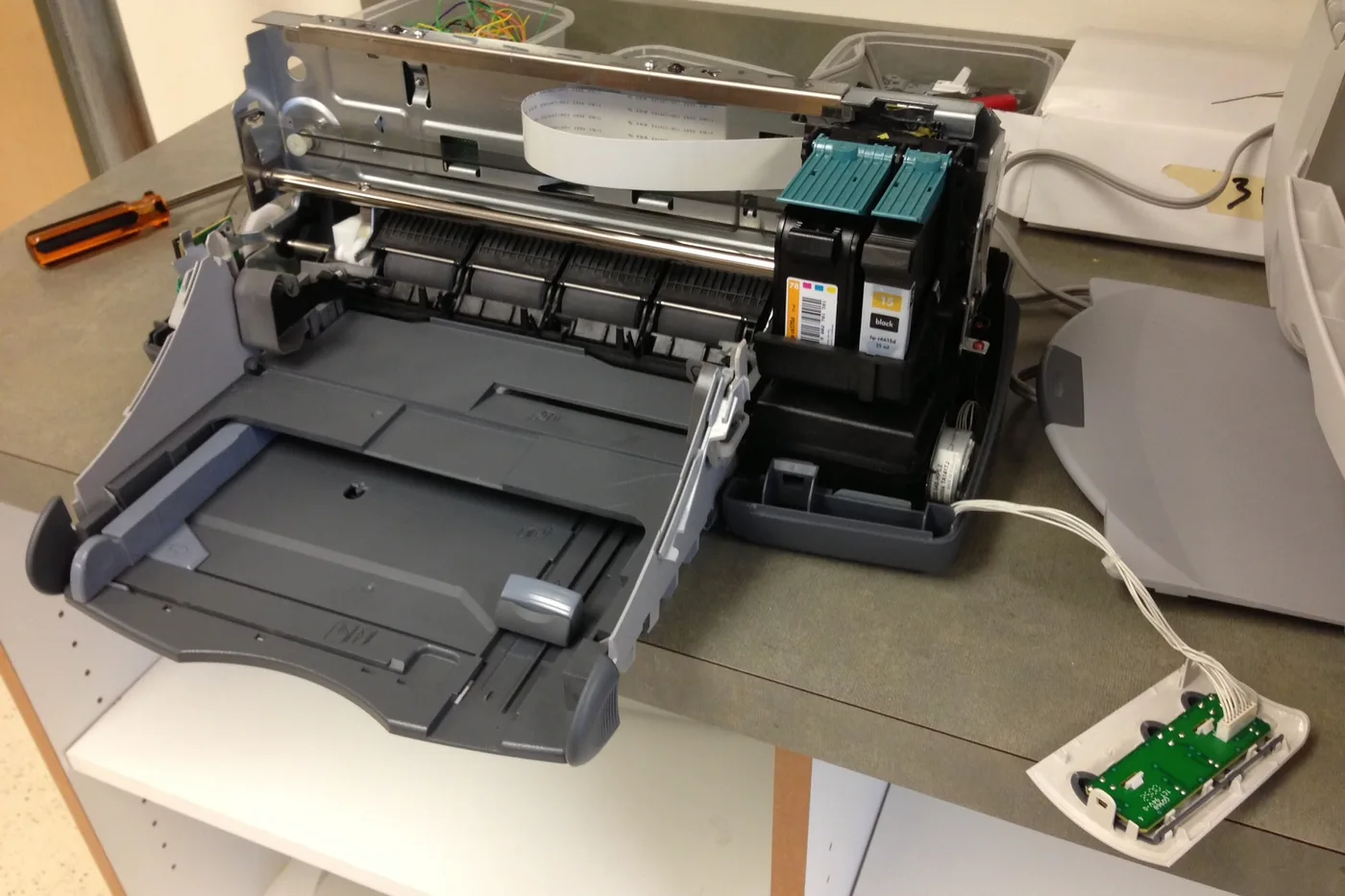
Another clean cycle burns printer ink cartridges into a waste pad. When streaks or missing colors show up, do quick physical contact checks first — especially if a tank is near empty.
Physical checks before another printer ink clean cycle
- Open the cartridge door. Confirm each supply clicked in fully (power off first if the manual says so).
- Wipe the electrical contacts on the cartridge and carriage with a dry lint-free cloth. Do not scrub nozzles with tissue.
- If a color tank is near empty, refill or replace before another clean — cleaning an empty channel often worsens gaps.
- Removable heads: only clean what the maker’s guide allows. Household solvents can ruin a head.
If gaps remain after a seated, taped-off, correctly numbered supply and one light clean, stop stacking cleans and check the nozzle pattern / service messages instead.
More help
- Same niche: Printer ink cartridges — alcohol limits on removable printhead contacts · Clean printhead streaks without wasting ink · Printer ink — run a color-bar nozzle check before a clean · Printer ink cartridges — mark color multipacks vs single-color boxes · How to find your exact ink or toner number · Printer ink cartridges — laser streaks are not an inkjet clean · Printer ink — let the printer finish priming before you power off · Mark a FIFO date on printer ink multipacks · Printer ink smudging — match the paper type setting · Printer ink — run a nozzle check before a second clean · Printer ink — photo the empty cartridge before you reorder · Printer ink — turn the printer off with its own button · Printer says empty after a new cartridge · Printer ink cartridges — print a supplies status page first · Printhead alignment without wasting paper · Printer ink — confirm printhead ribbon latch fully closed · Remove cartridge protective tape before trusting empty · Printer ink — rock a new cartridge gently after you peel the tape · Printer ink — bring a cold cartridge to room temperature before install · Printer ink — reseat printhead ribbon after a wipe · Standard vs XL ink cartridges · Store printer ink cartridges upright and cool · Printer ink — print one page a week so nozzles stay wet · All printer ink guides
- Related fixes elsewhere: Vacuum lost suction — check bag and filters · Match your vacuum bag or filter type