Printer ink — run a color-bar nozzle check before a clean
Printer ink
Before a printer ink clean wastes cartridges, print a color-bar nozzle check so you see which stall is weak — one small beat, not a blind clean.
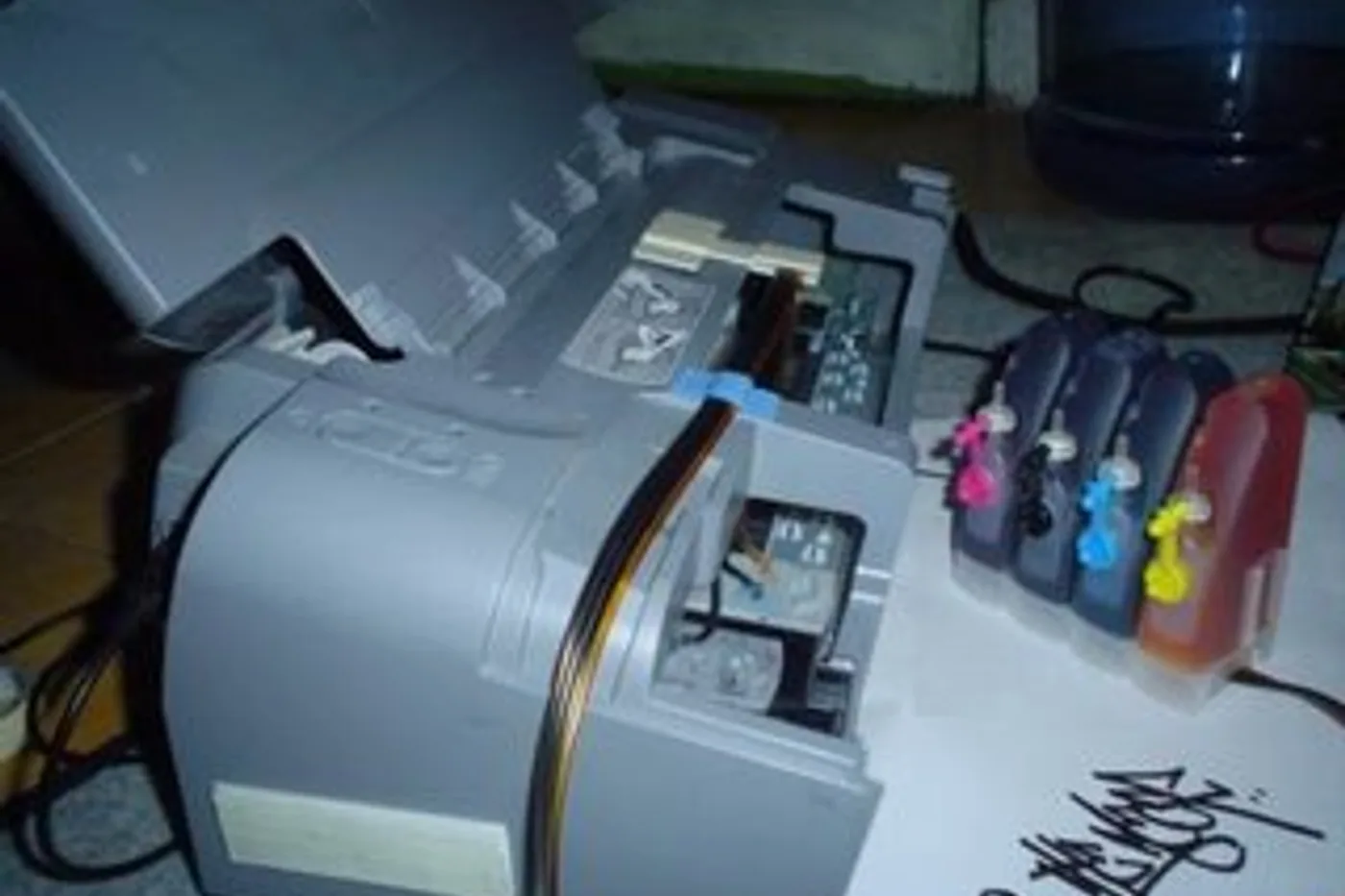
A blind printer ink clean can burn through ink cartridges. Print a color-bar nozzle check first so you see which stall is weak before you start a clean cycle.
Color-bar nozzle check before a printer ink clean
- From the printer menu or computer utility, run the nozzle check / color-bar test — not a deep clean — and let the page finish.
- Read each color bar: broken or missing lines in one stall mean that path needs attention; a solid bar means stop cleaning that color.
- Only run a short clean for the weak stall your manual allows, then print another color-bar check.
- If the same gaps remain after one clean and a fresh cartridge of the right ink cartridge number, stop — further cleans rarely fix a clogged printhead.
Honest stop: laser toner streaks are not an inkjet color-bar problem — use a toner/drum path instead of ink clean cycles.
More help
- Same niche: Printer ink cartridges — alcohol limits on removable printhead contacts · Clean printhead streaks without wasting ink · Printer ink cartridges — mark color multipacks vs single-color boxes · How to find your exact ink or toner number · Printer ink cartridges — laser streaks are not an inkjet clean · Printer ink — let the printer finish priming before you power off · Mark a FIFO date on printer ink multipacks · Printer ink smudging — match the paper type setting · Printer ink — run a nozzle check before a second clean · Printer ink — photo the empty cartridge before you reorder · Printer ink cartridges — check contacts before another clean · Printer ink — turn the printer off with its own button · Printer says empty after a new cartridge · Printer ink cartridges — print a supplies status page first · Printhead alignment without wasting paper · Printer ink — confirm printhead ribbon latch fully closed · Remove cartridge protective tape before trusting empty · Printer ink — rock a new cartridge gently after you peel the tape · Printer ink — bring a cold cartridge to room temperature before install · Printer ink — reseat printhead ribbon after a wipe · Standard vs XL ink cartridges · Store printer ink cartridges upright and cool · Printer ink — print one page a week so nozzles stay wet · All printer ink guides
- Related fixes elsewhere: Key fob battery — coin-cell sizes for car remotes · Vacuum bags — check the hose when suction is weak