Printer ink — turn the printer off with its own button
Printer ink
Save printer ink: shut the printer off with its own power button, not a power strip, so it can park and cap the printhead before it sleeps.
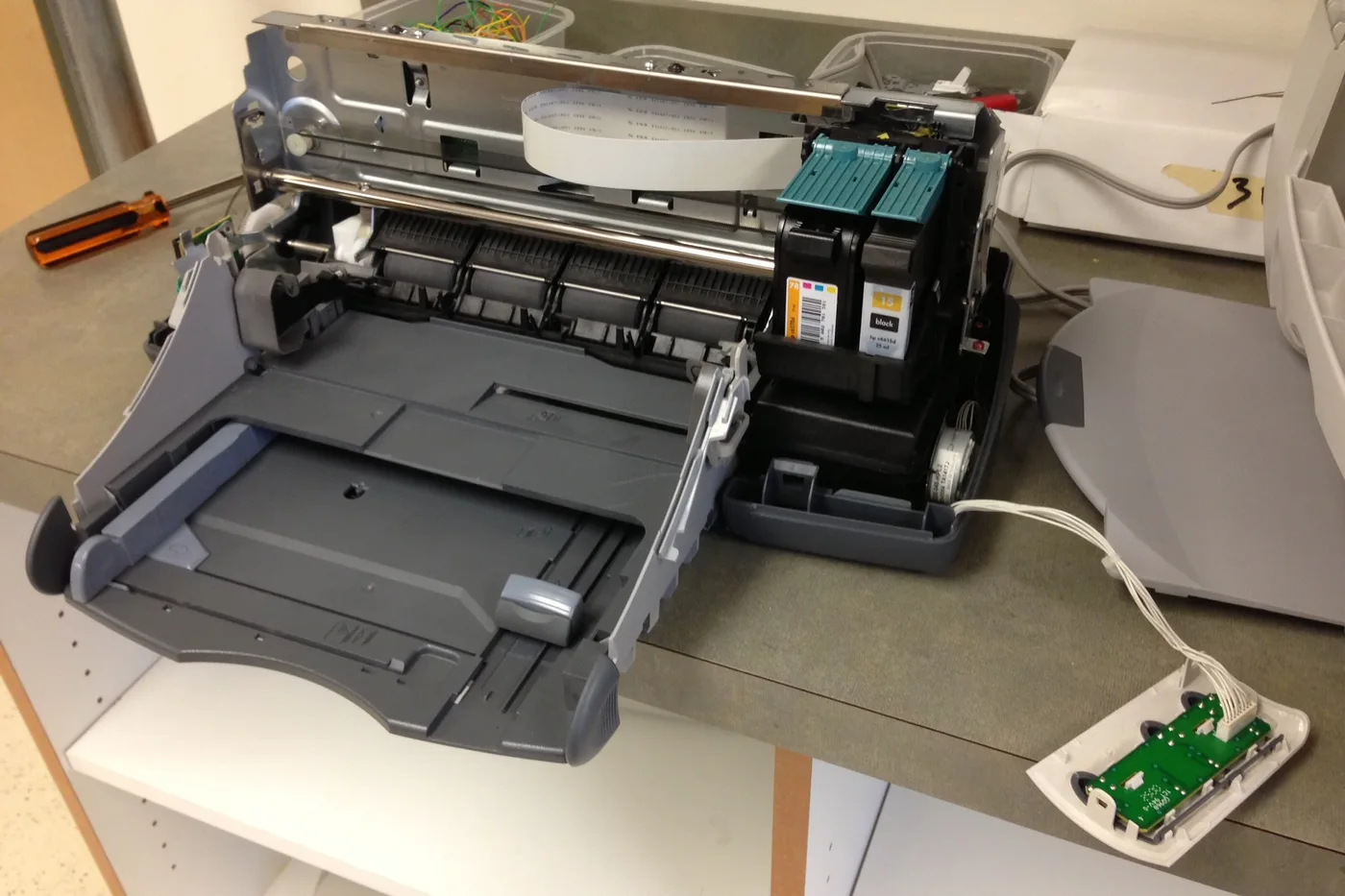
A lot of wasted printer ink starts with how the printer gets turned off. Inkjets park and cap the printhead when you use their own power button; cutting power at the strip can leave the head uncapped to dry out.
Shut down so the printer can cap the printhead
- Press the printer’s own power button and wait for the carriage to slide home and the lights to go dark.
- Only then switch off the power strip or unplug, if you do that at all.
- If the printer was cut off at the strip before, run one nozzle check next time instead of jumping straight to a cleaning cycle.
Stop there. One proper shutdown habit saves more printer ink than extra cleaning cycles do.
More help
- Same niche: Printer ink cartridges — alcohol limits on removable printhead contacts · Clean printhead streaks without wasting ink · Printer ink — run a color-bar nozzle check before a clean · Printer ink cartridges — mark color multipacks vs single-color boxes · How to find your exact ink or toner number · Printer ink cartridges — laser streaks are not an inkjet clean · Printer ink — let the printer finish priming before you power off · Mark a FIFO date on printer ink multipacks · Printer ink smudging — match the paper type setting · Printer ink — run a nozzle check before a second clean · Printer ink — photo the empty cartridge before you reorder · Printer ink cartridges — check contacts before another clean · Printer says empty after a new cartridge · Printer ink cartridges — print a supplies status page first · Printhead alignment without wasting paper · Printer ink — confirm printhead ribbon latch fully closed · Remove cartridge protective tape before trusting empty · Printer ink — rock a new cartridge gently after you peel the tape · Printer ink — bring a cold cartridge to room temperature before install · Printer ink — reseat printhead ribbon after a wipe · Standard vs XL ink cartridges · Store printer ink cartridges upright and cool · Printer ink — print one page a week so nozzles stay wet · All printer ink guides
- Related fixes elsewhere: Dryer vent cleaning household safety list · Coin-cell sizes for car remotes