Printer ink — curling pages? try a lighter print quality setting
Printer ink
Printed pages curling or feeling damp? Heavy ink coverage wets the paper. Drop from Best to Standard quality and let pages dry flat before stacking.
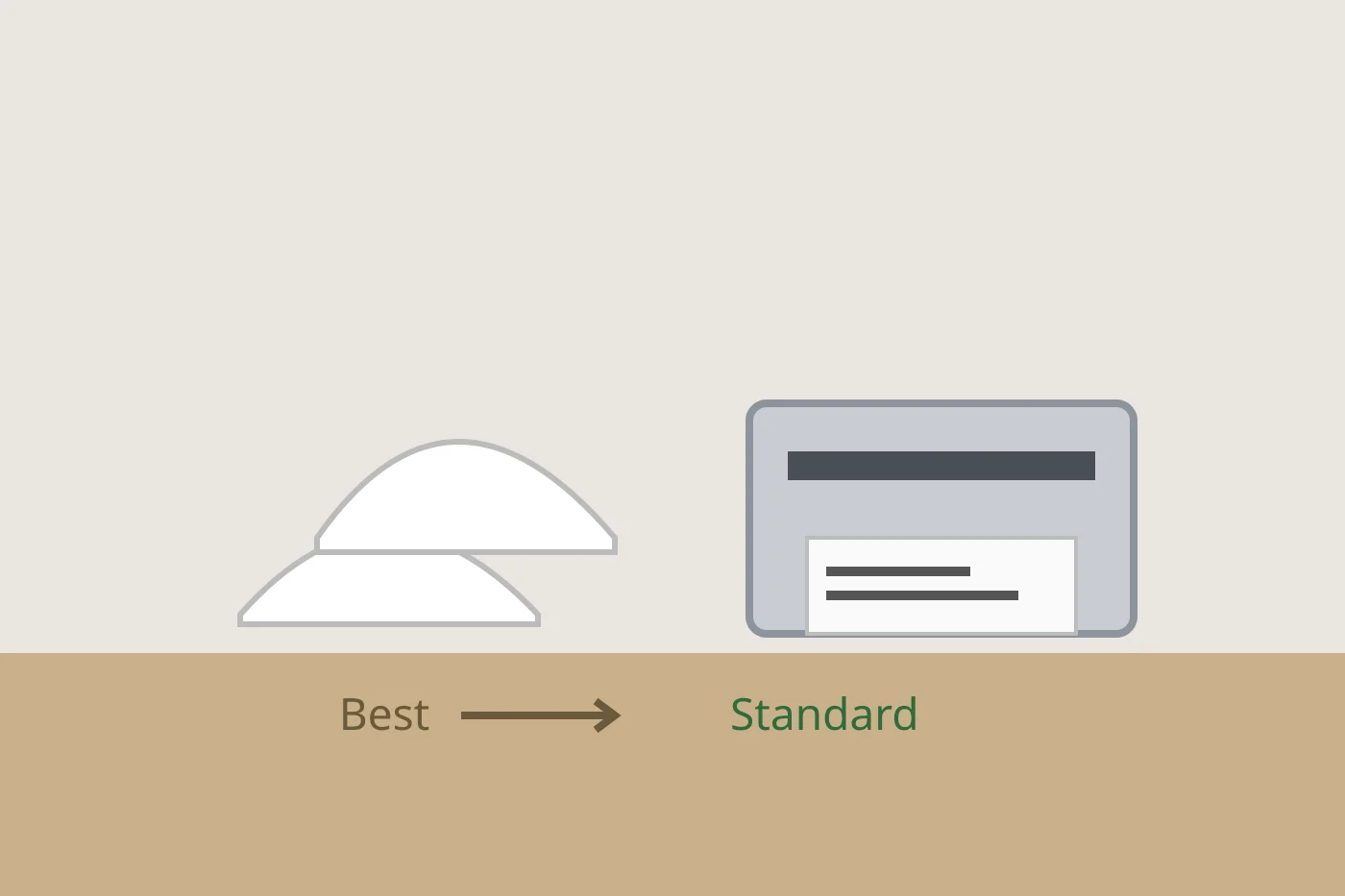
When freshly printed pages curl at the edges, the paper has soaked up more printer ink than it can handle. A lighter quality setting often fixes it without a new cartridge.
Use a lighter print quality when pages curl
- Open the print dialog and look for Print Quality or Quality.
- Change Best or High to Standard or Normal for everyday documents.
- Print one page and lay it flat for a minute. Check whether the curl is gone.
- Keep spare paper flat in its wrapper so it is not already bowed before it prints.
If plain pages still curl on Standard, try a fresh ream in a drier room before you suspect the cartridge.
More help
- Same niche: Printer ink smudging — match the paper type setting · Printer ink — run a color-bar nozzle check before a clean · Store printer ink cartridges upright and cool · Printer ink — print one page a week so nozzles stay wet · Printer ink cartridges — print a supplies status page first · All printer ink guides
- Related fixes elsewhere: Write the install date on your furnace filter